Hosts and identities
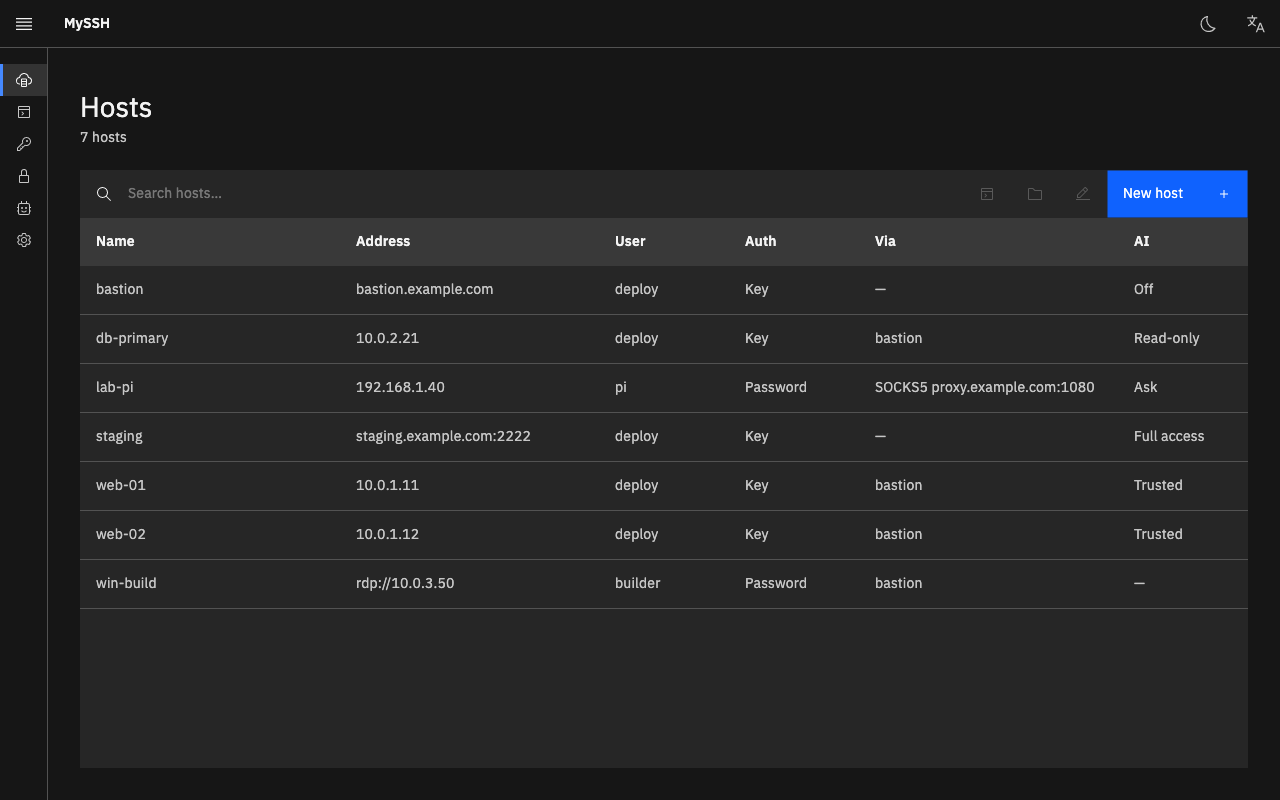
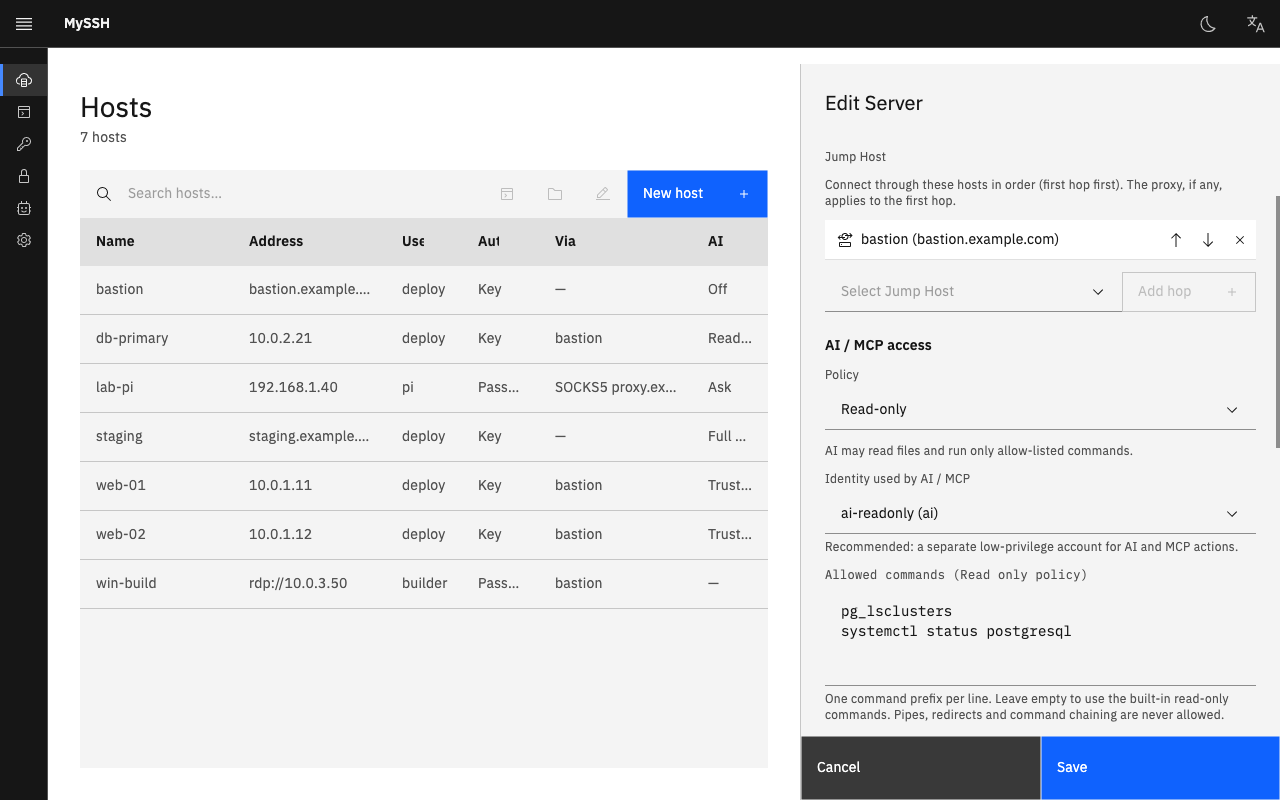
Hosts, reusable password or key identities, proxies and tags, with instant search. Import from the previous MySSH version.
Open source · v0.2.0
A fast native terminal, SFTP and jump hosts, plus an MCP server and a built-in AI assistant. Every host has its own policy, risky commands wait for your approval, and every call is logged.
Apple silicon · macOS 13 or later · signed, notarized and self-updating
Features
Built for people who live in terminals: quick to open, quiet to use, and careful with your credentials.
Hosts, reusable password or key identities, proxies and tags, with instant search. Import from the previous MySSH version.
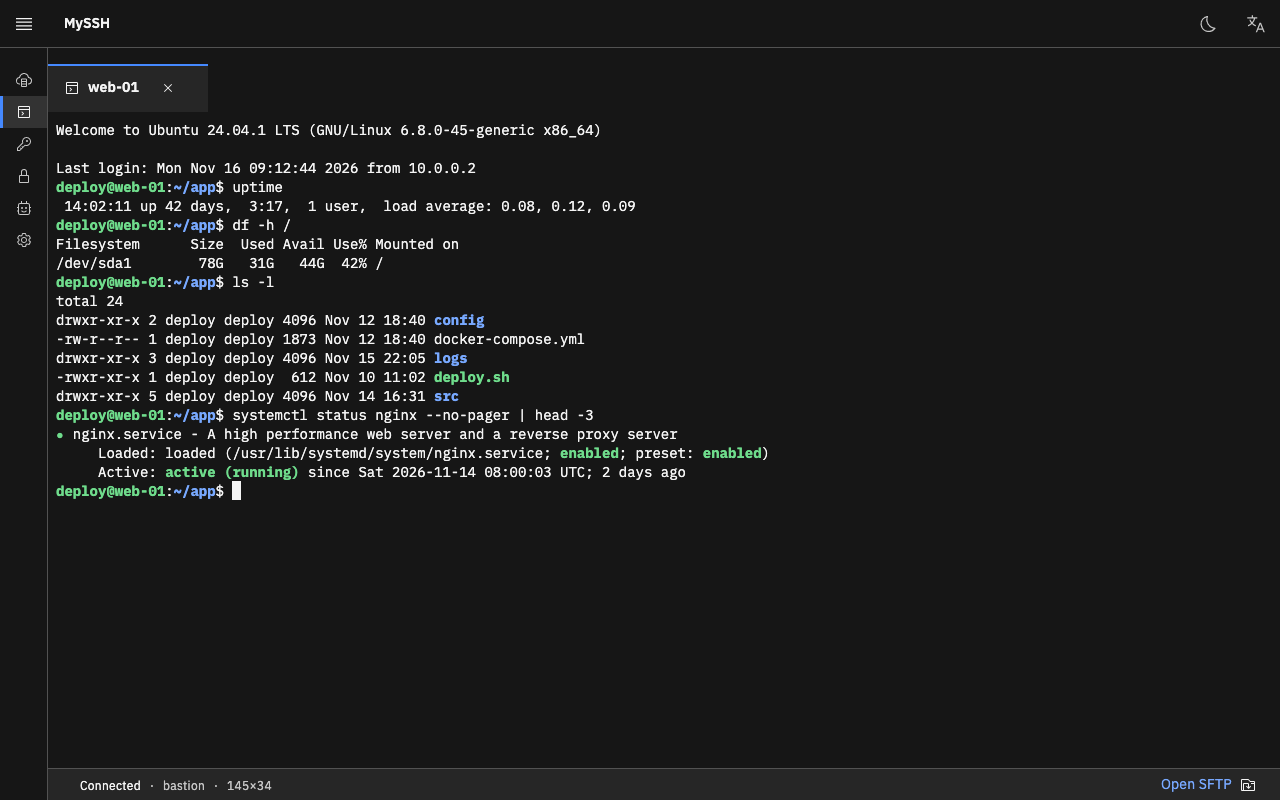
True colour, IME input, search and clickable links. It follows your working directory, so SFTP opens right where you are.
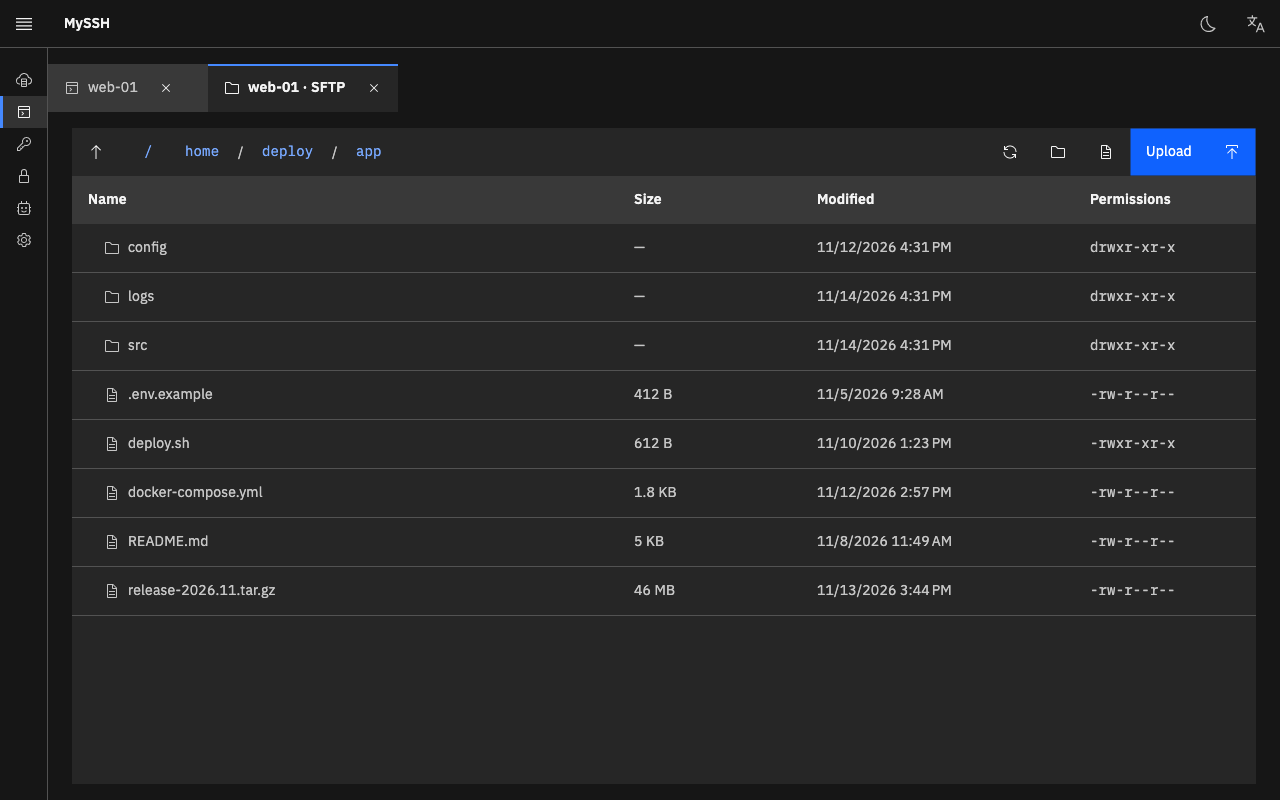
Browse, upload, download and edit remote files. Drag and drop, a transfer queue, and safe handling of symbolic links.
Multi-hop ProxyJump chains with an identity per hop, plus HTTP and SOCKS5 proxies. Reconnect with one click.
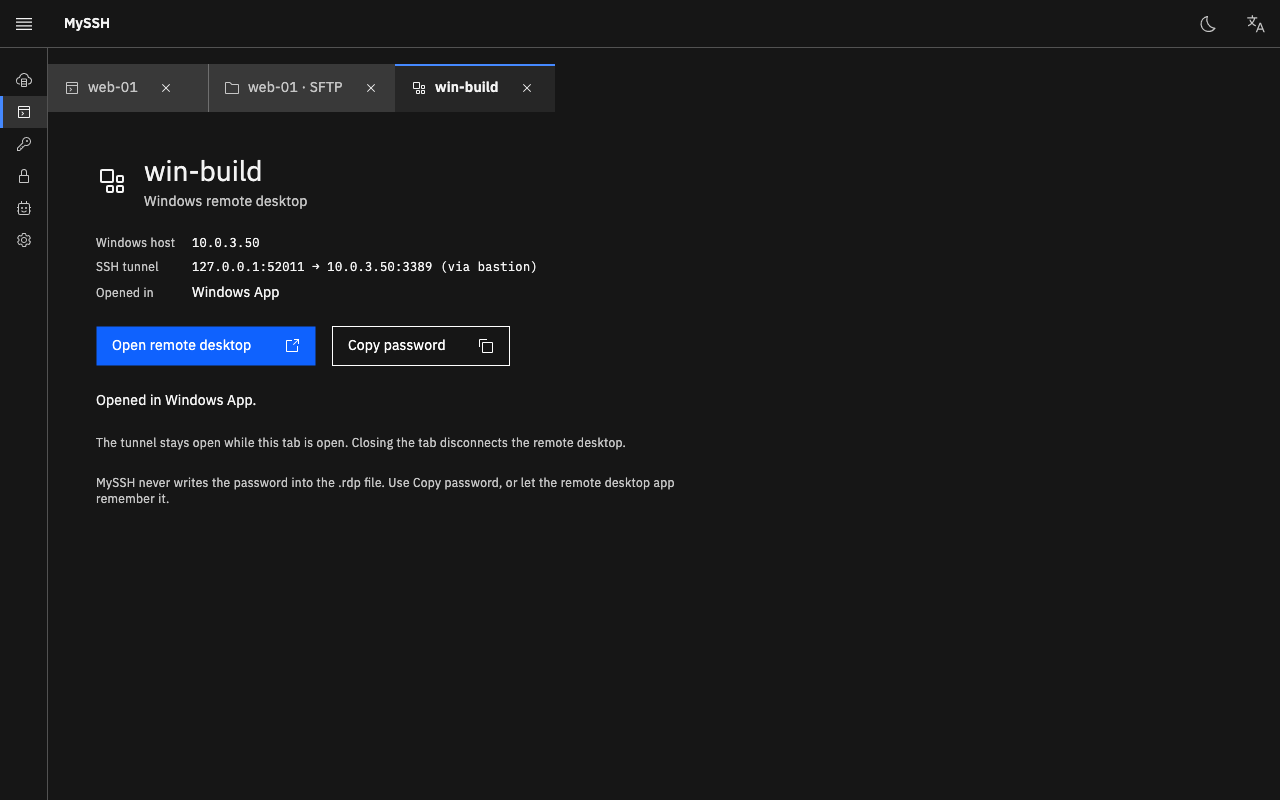
RDP hosts open in your system client, optionally tunnelled through an SSH jump host. Passwords never land in .rdp files.
Password-protected export and import of your hosts and identities. English, 简体中文 and 日本語 built in.
AI assistant
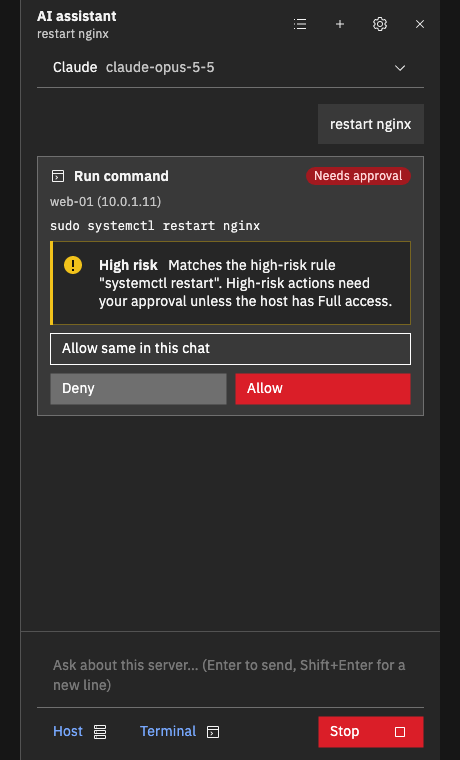
Open the assistant with Ctrl+Shift+A, attach the host and the terminal output, and ask. It reads logs and runs commands through the same tools and policies as the MCP server, and shows each step as a card you can approve or deny. Secrets are masked before anything is sent.
Works with Claude, OpenAI, DeepSeek, or a local OpenAI-compatible server such as Ollama. Your API key is stored encrypted on your computer.
MCP server
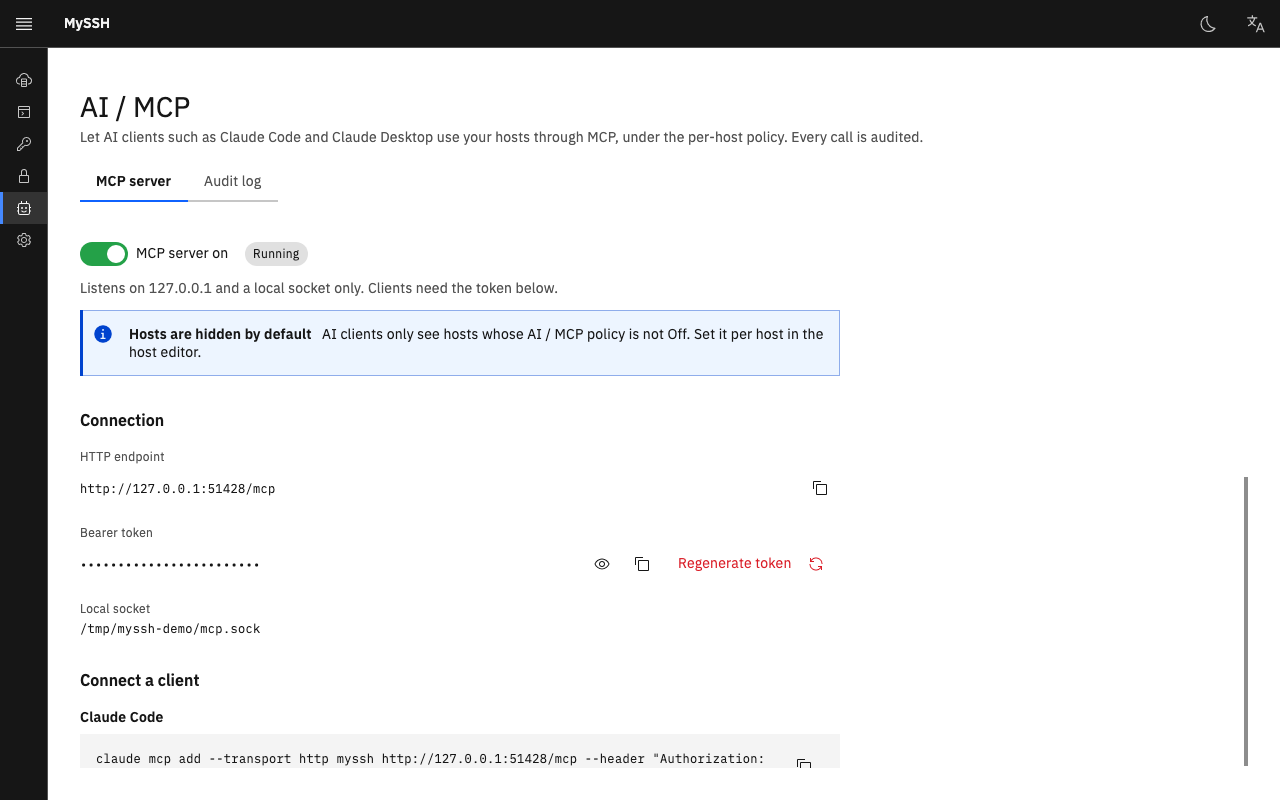
MySSH runs a local MCP server so Claude Code, Claude Desktop and other MCP clients can work on your hosts. Credentials never leave MySSH; clients only see the hosts you share.
Tools
Take a look
Security
MySSH keeps your credentials on your computer and makes every AI action visible.
Download
Unzip and move MySSH.app to Applications. It is signed and notarized by Apple, and updates itself from Settings → Updates.
Download .zipComing from the Tauri version (v0.0.4 or earlier)? MySSH offers to import your hosts on first start.
Build from source with the .NET 10 SDK for now.
Build from source with the .NET 10 SDK for now.
Build from source
git clone https://github.com/dollarkillerx/MySSH.git
cd MySSH
dotnet run --project src/MySSH.Desktop
Requires the .NET SDK 10.0.404 or later.